How to Schedule a .NET Importer with systemd Timers
A batch importer that runs once and exits needs something else to start it on a schedule, run it under a restricted account and record whether each run succeeded. On Linux, a systemd timer paired with a one-shot service does all three, with the outcome visible through systemctl and the journal.
This article schedules the single-batch importer from the
versioned archive article
. The importer writes to a Sphere10 Framework ObjectSpace inside one file transaction, and the division of work is the point of the design. The process owns the transaction and reports the result through its exit code, while systemd owns the schedule, the identity and the log.
1. Make the importer a well-behaved one-shot
The whole program is one Main method. It reads one batch, applies it and returns an exit code.
public static int Main(string[] args) {
	if (args.Length < 3 || args[1] != "--import") {
		Console.Error.WriteLine("Usage: Example <data-folder> --import <batch.json> [--fail-before-commit]");
		return 2;
	}
	try {
		var root = Path.GetFullPath(args[0]);
		Directory.CreateDirectory(root);
		var batch = JsonSerializer.Deserialize<ImportBatch>(File.ReadAllText(args[2]));
		var inserted = ArchiveStore.Import(root, batch, args.Contains("--fail-before-commit"));
		Console.WriteLine($"Inserted revisions: {inserted}; committed cursor: {batch.Cursor}");
		return 0;
	} catch (Exception error) {
		Console.Error.WriteLine($"Import failed, nothing committed: {error.Message}");
		return 1;
	}
}
ArchiveStore.Import opens a FileObjectSpace, stages the batch and the new cursor with Save, and ends in the commit-or-rollback pattern.
	store.Save(checkpoint);
	if (failBeforeCommit)
		throw new InvalidDataException("Injected failure before commit.");
	store.Commit();
	return inserted;
} catch {
	store.Rollback();
	throw;
}
Three properties of this code make it safe to run from a timer.
-
Success is reported only after
Commit(). The process returns zero once the batch and its cursor are durable together. -
Failure reaches the scheduler.
Importrethrows afterRollback(), andMainturns that into exit code 1 with one line on standard error. systemd marks the unit as failed and the journal keeps the message. Returning zero from thecatchblock would hide the failure. -
A repeat is harmless. The importer skips revisions whose key is already stored, so running the same batch again inserts nothing and leaves the same cursor.
The service passes no --fail-before-commit argument. That switch exists so the rollback path and the nonzero exit code can be exercised by hand.
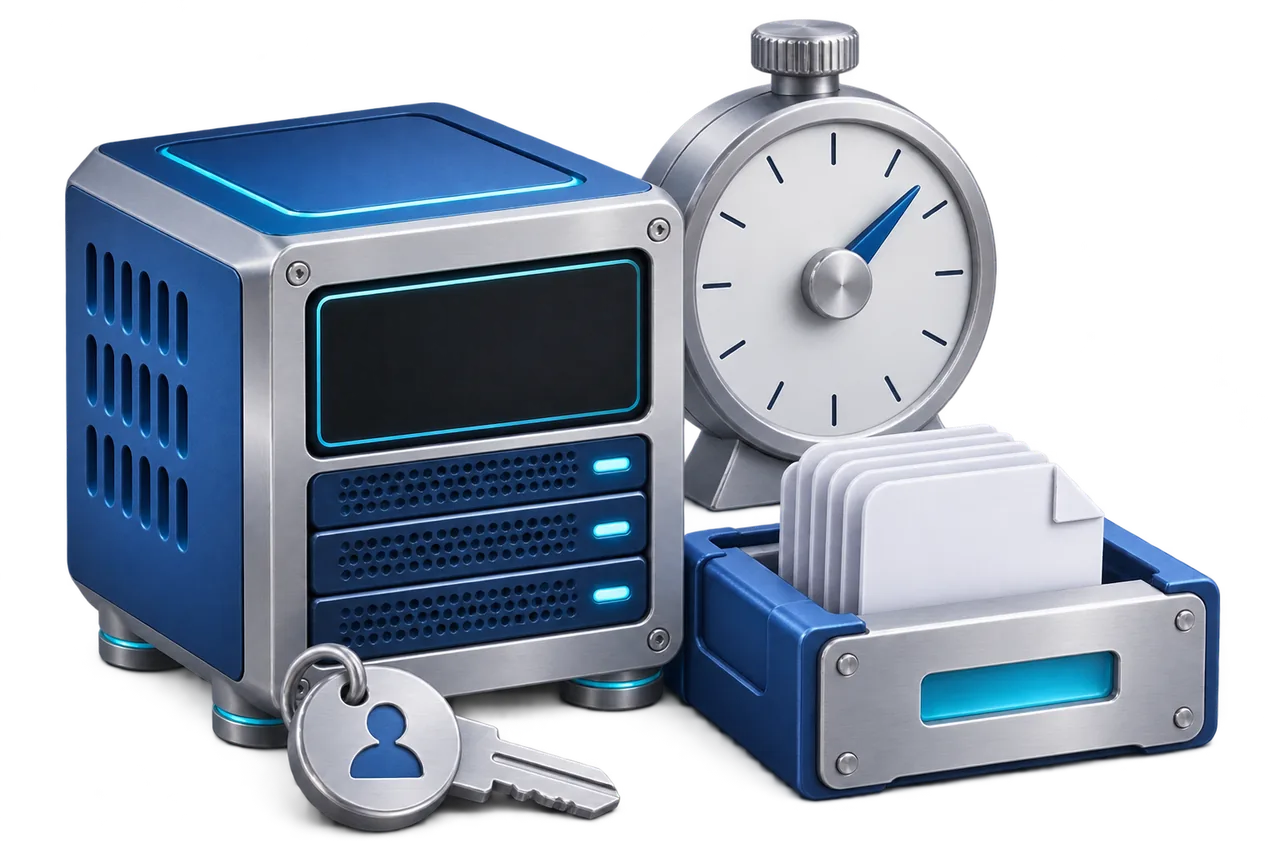
2. How the pieces fit
Each activation is one process and one transaction. Nothing stays running between activations, so the importer holds no state outside its data file.
3. Publish the importer
Publish a framework-dependent build for the host architecture and install a matching .NET 10 runtime on the server. Keep binaries and data apart, with the program under /opt and the mutable archive under /var/lib, owned by a dedicated system account.
dotnet restore Example.csproj
dotnet publish Example.csproj -c Release -r linux-x64 --self-contained false -o ./publish
sudo useradd --system --home /var/lib/sphere10-archive --shell /usr/sbin/nologin sphere10-archive
sudo install -d -o sphere10-archive -g sphere10-archive /var/lib/sphere10-archive /var/lib/sphere10-archive/inbox
Copy the contents of ./publish to /opt/sphere10-archive. The account needs read access to the program and the incoming batch file, and write access to the data directory, which holds both the store and its folder of uncommitted pages.
4. Give one batch a service lifetime
The sample includes this service unit. Confirm the runtime path with command -v dotnet before installing it.
[Unit]
Description=Import one archive batch

[Service]
Type=oneshot
User=sphere10-archive
Group=sphere10-archive
WorkingDirectory=/var/lib/sphere10-archive
ExecStart=/usr/bin/dotnet /opt/sphere10-archive/Example.dll /var/lib/sphere10-archive --import /var/lib/sphere10-archive/inbox/batch.json| Directive | Effect |
Type=oneshot |
The unit is active while the process runs and finishes when it exits. Its result is the exit code. |
User, Group |
The process runs as the dedicated account instead of root. |
WorkingDirectory |
Relative paths resolve inside the data directory. |
ExecStart |
The data folder, then --import and the batch file, matching the entry point above. |
The unit has no [Install] section because the timer starts it.
5. Install and inspect the timer
[Unit]
Description=Run the archive importer every fifteen minutes

[Timer]
OnCalendar=*:0/15
Persistent=false
Unit=sphere10-archive.service

[Install]
WantedBy=timers.target
OnCalendar=*:0/15 fires at minutes 0, 15, 30 and 45 of every hour. Persistent=false means an activation missed while the machine was off is not run later. Set it to true if one catch-up run after boot is wanted.
Install both units, verify them, run the service once by hand and only then enable the timer.
sudo install -m 644 systemd/sphere10-archive.service systemd/sphere10-archive.timer /etc/systemd/system/
sudo systemd-analyze verify /etc/systemd/system/sphere10-archive.service /etc/systemd/system/sphere10-archive.timer
sudo systemctl daemon-reload
sudo systemctl start sphere10-archive.service
sudo systemctl status sphere10-archive.service --no-pager
sudo journalctl -u sphere10-archive.service -n 30 --no-pager
sudo systemctl enable --now sphere10-archive.timer
systemctl list-timers sphere10-archive.timer
The journal shows the importer's console line with the number of inserted revisions and the committed cursor. A second manual start against the same batch should report zero inserted revisions.
6. Concurrency and the cron alternative
A store must have one writer at a time. systemd does not start a second instance of a service that is still active, so timer activations cannot overlap each other. That guarantee covers only this unit, so do not run the importer by hand against the same data folder while the timer is enabled.
Cron can run the same command. It has no overlap protection or journal of its own, so the equivalent entry adds flock and a log file.
*/15 * * * * /usr/bin/flock -n /var/lib/sphere10-archive/import.lock /usr/bin/dotnet /opt/sphere10-archive/Example.dll /var/lib/sphere10-archive --import /var/lib/sphere10-archive/inbox/batch.json >>/var/lib/sphere10-archive/import.log 2>&17. Get the package and run the sample
Add the package to a .NET 10 project.
dotnet add package Sphere10.Framework
Download the sample project. It contains the importer, both unit files and a small batch fixture, and targets .NET 10 and the Sphere10.Framework package.
dotnet run -c Release -- ./archive --import fixture-batch.jsonInserted revisions: 1; committed cursor: cursor-1
Run the same command again and it reports zero inserted revisions. Add --fail-before-commit and the process prints the failure to standard error and exits with code 1, leaving the store unchanged.
-
systemd.service reference
-
systemd.timer reference
-
ObjectSpace storage guide
-
Sphere10 Framework guide
For the broader Sphere 10 development toolkit, see the Sphere10 Framework overview .
Author: Herman Schoenfeld
