FEATURES
Make Your Desktop
Work for You.
Twenty effects, independent display settings and quick keyboard control.
Darken bright interfaces
Smart Inversion swaps light and dark while keeping hues near their original colours. Choose Vivid, Soft or High Contrast variants, or use Simple Inversion for a full colour negative.
Set each display independently
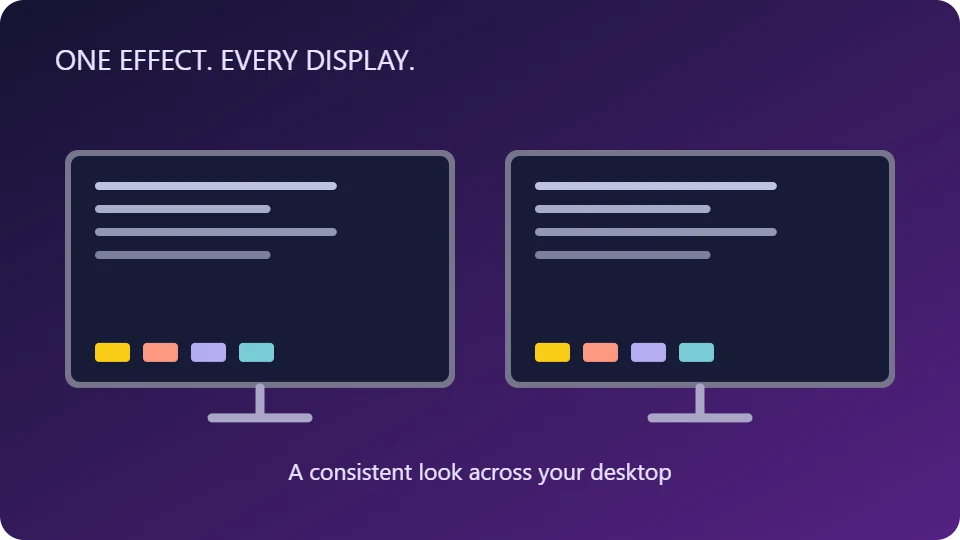
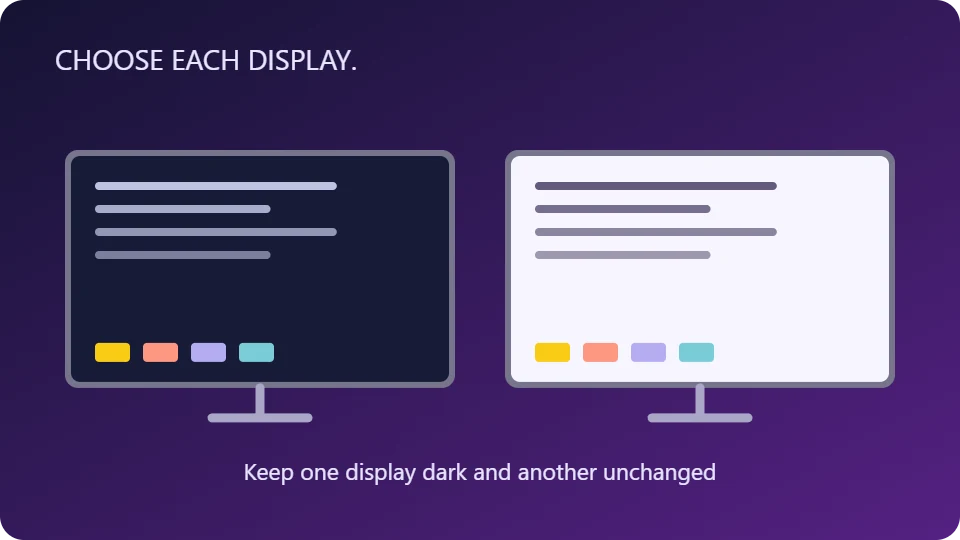
Use one effect everywhere or choose a different effect for each display. Select None to leave a display unchanged, and use Identify to match the on-screen layout to your monitors.
Switch from the keyboard
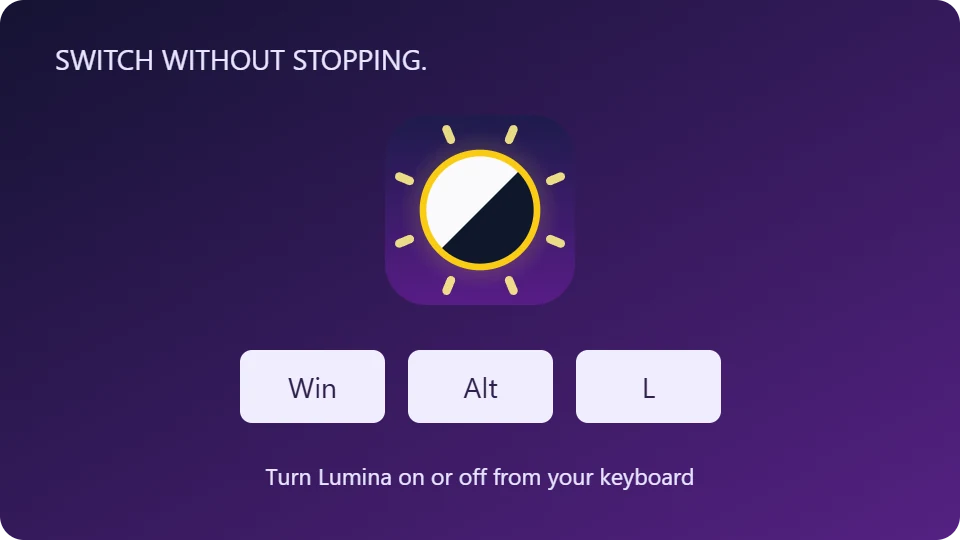
Win+Alt+L turns Lumina on or off. Win+Alt+K cycles effects. Assign shortcuts to individual effects and check the shortcut editor for conflicts.
Adjust brightness and contrast
Change the transformed colours globally or give a display its own values. These software adjustments leave your monitor’s hardware backlight setting alone.
Explore twenty colour effects
Choose inversion variants, grayscale, sepia, red and binary effects. Eight colour-vision simulations help you inspect how colour distinctions may appear under different vision responses.
Stay out of the way
Close Options and Lumina keeps running in the tray. Choose whether it starts with Windows, enable brief on-screen labels and tune the per-display refresh rate.
💡
Colour-vision modes are simulations, not corrective filters. Use normal colours when checking colour-critical work.
Product Manual (coming soon)