LOCAL NOTION

Product logo: Local Notion

Your Notion content.
On your own storage.

Bring pages, databases and media onto your own machine. Build websites in Notion, publish HTML and keep a local copy of the content that matters.

Download Local Notion Explore the CMS

Windows x64 · macOS Apple Silicon · Linux x64

Other platforms · Source on GitHub

AUTHOR IN NOTION
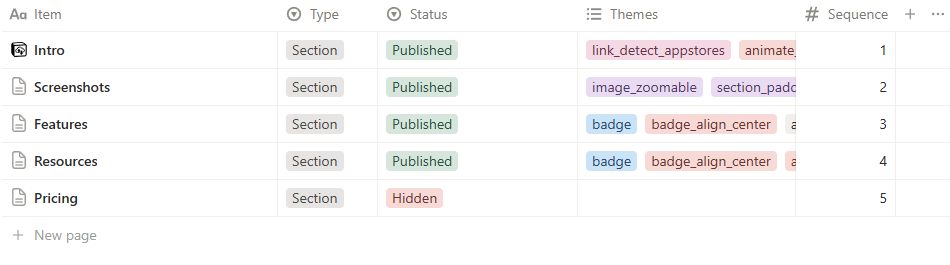
A real CMS database in Notion: sections, themes and publishing controls.

FROM A CONFIGURED LOCAL REPOSITORY


localnotion pull --all
localnotion render --all

HTML pages / local media / website routes

Local storage · HTML publishing · Git integration · Open source
HOW IT WORKS

Author. Pull. Publish.

Keep authoring in Notion. Choose where your content is stored, how it is presented and where it is hosted.

01 / CONNECT

Choose your content

Connect a Notion integration to the pages or CMS database you want to use.

02 / PULL & RENDER

Generate local files

Download content and media, then render pages and databases into themed HTML.

03 / USE YOUR FILES

Publish or browse

Keep a local reading copy or deploy the generated website to your own web server.

NOTION AS YOUR CMS

A whole website.
One Notion database.

Manage pages, sections, galleries and shared navigation in one database. Write the content with native Notion blocks; Local Notion turns it into a website.

  • Structure. Organize pages, section order, gallery cards, menus and footers.
  • Presentation. Choose themes for layout, typography, colors, images and section transitions.
  • Hosting. Generate HTML, media and routes for a web server under your control.

Read the Notion CMS Guide · Hosting guide

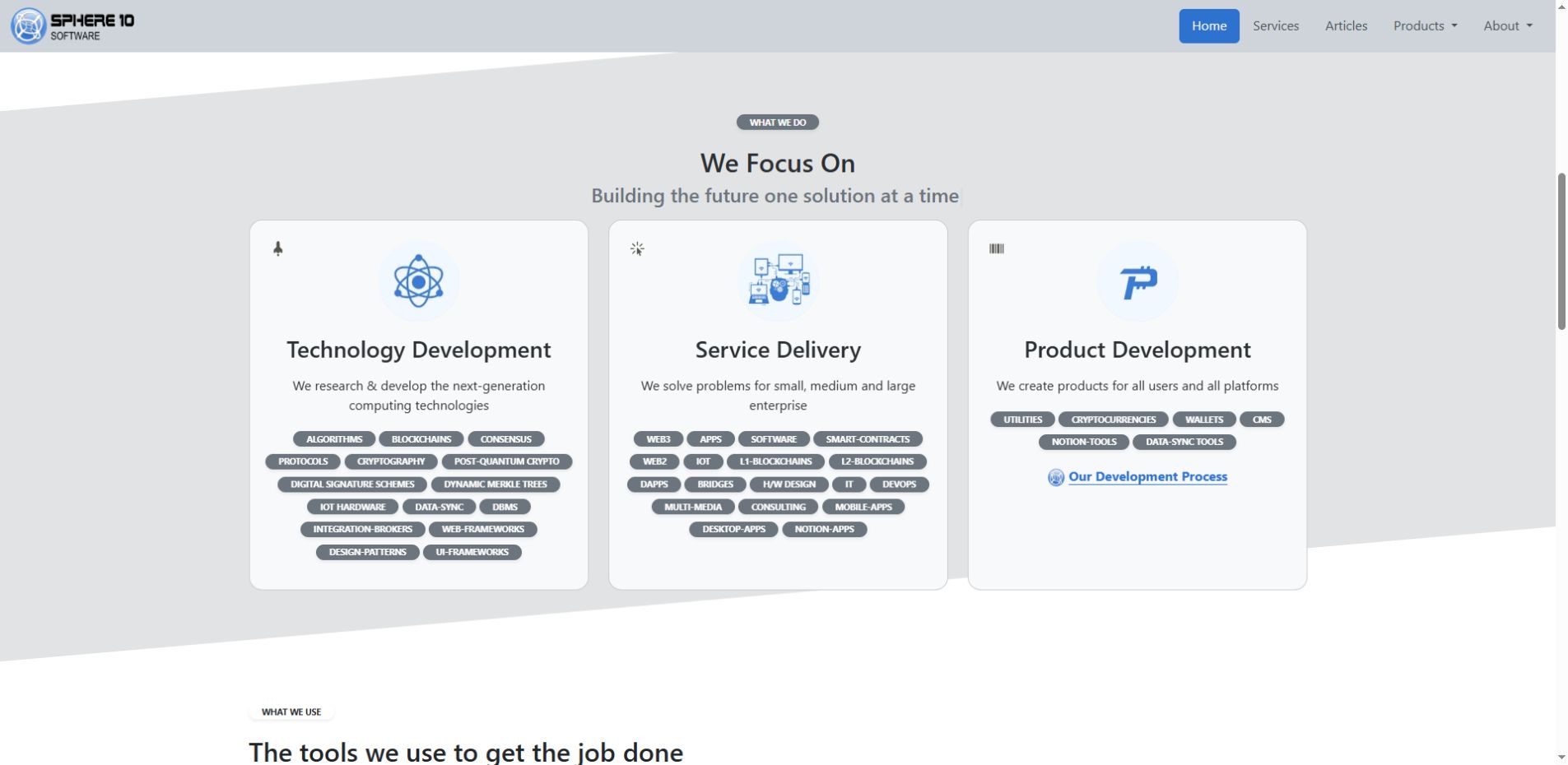
Sphere10’s website is built with the Local Notion CMS.

Authored in Notion. Presented as a website.

BUILT FOR PRACTICAL WORKFLOWS

More from the content you already have.

Use the same command-line tool for local copies, HTML publications and repeatable website workflows.

Keep a local copy

Download Notion pages, databases, attachments and underlying objects to storage you choose.

Publish offline HTML

Create linked reading copies, manuals and HTML e-books from your Notion content.

Automate synchronization

Run continuous synchronization or scheduled pulls as part of your own workflow.

Track changes with Git

Keep a history of repository changes and optionally push them to a configured Git remote.

Control the presentation

Select rendering themes or adapt templates for websites and HTML publications.

Script the workflow

Use a consistent CLI on Windows, macOS and Linux, with an official Docker image for Linux containers.

RENDERED FROM REAL NOTION CONTENT

Keep the structure. Change the presentation.

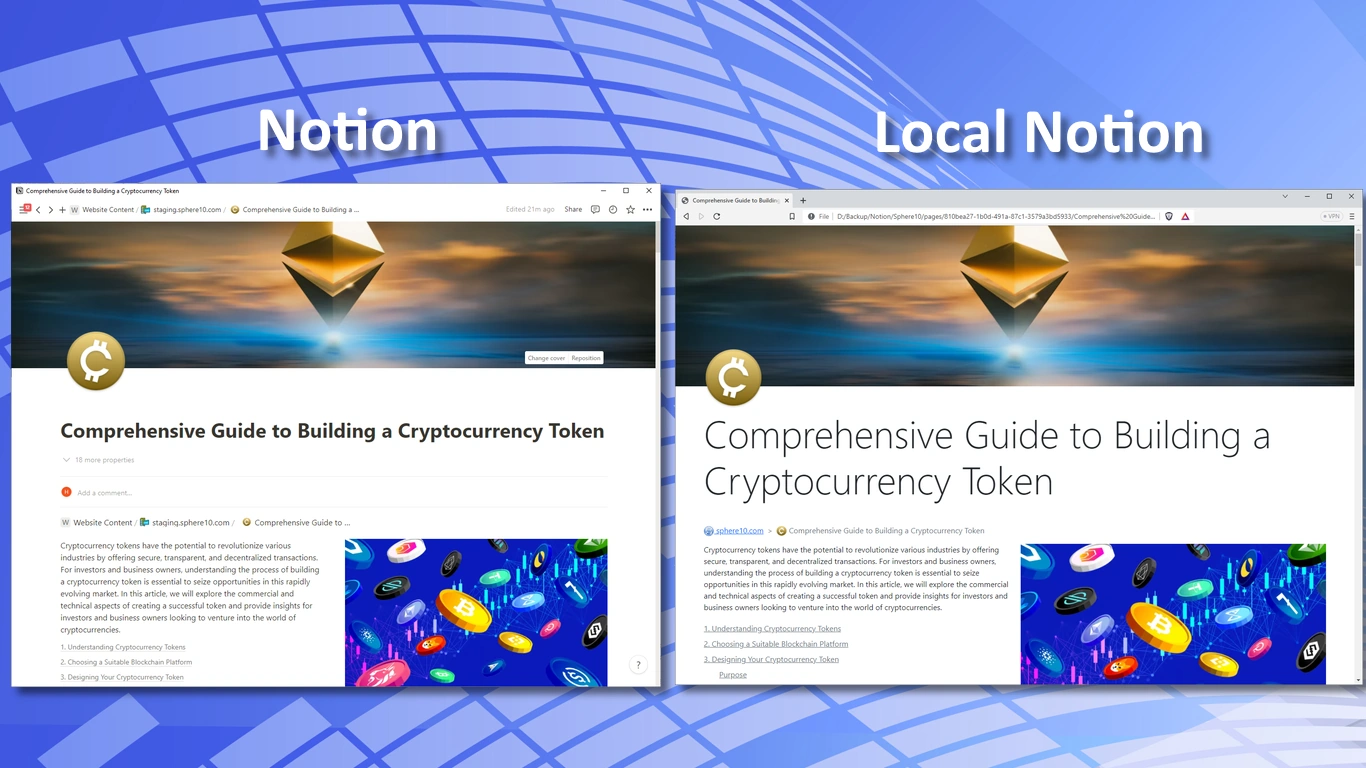
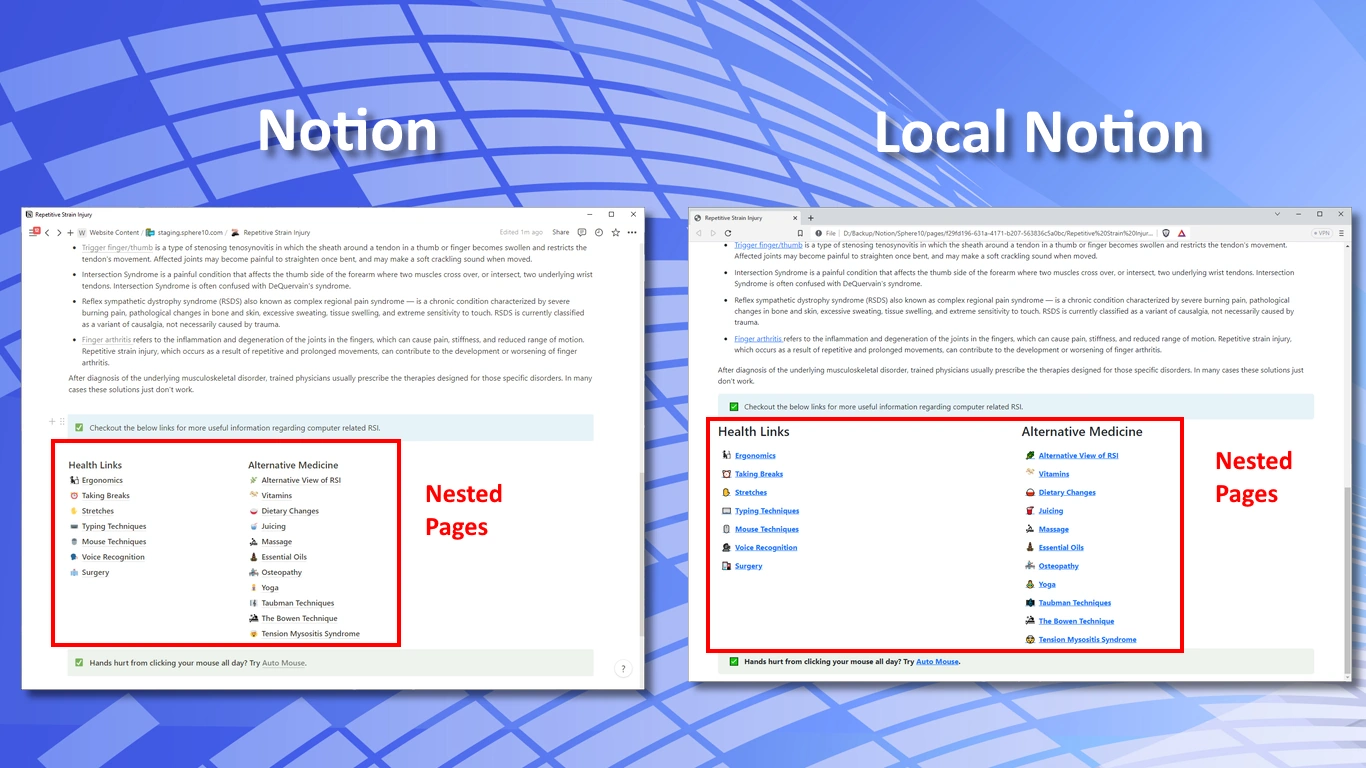
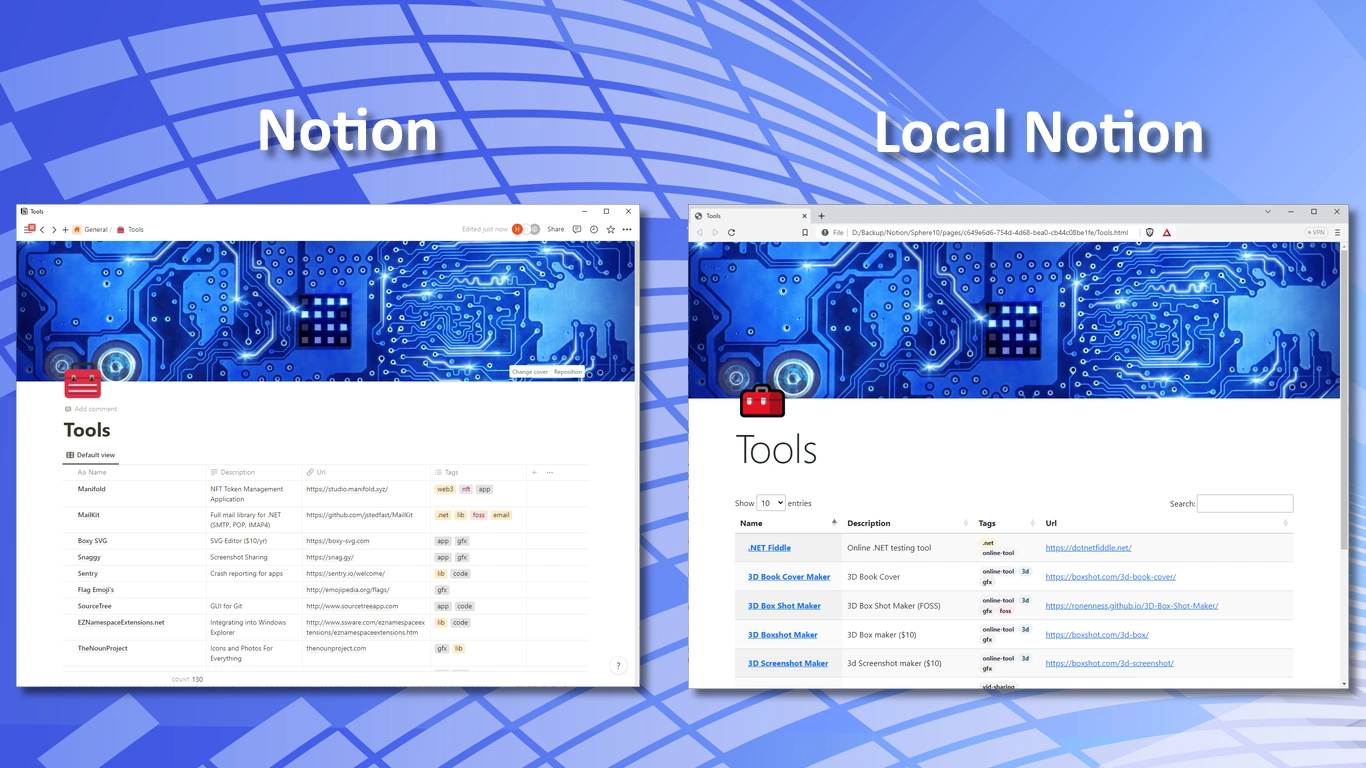
Compare Notion content with Local Notion’s HTML output. Open a screenshot to inspect page layouts, nested navigation and database rendering.

DOWNLOAD LOCAL NOTION

Run it where you work.

Choose a complete native archive or use the official Docker image. The native packages include their .NET runtime.

Windows

x64, x86 and ARM64

Download x64 ZIP

32-bit / x86 · ARM64

macOS

Apple Silicon and Intel

Apple Silicon

Intel

Linux

x64, ARM64 and ARM

Download x64 archive

ARM64 · ARM

Docker

Linux containers / amd64

Docker setup

Windows launcher

Installation & Docker instructions · All assets & release notes · SHA-256 checksums

Current public release: 1.6.3, build 7. Docker runs the synchronization and rendering CLI; website hosting uses a separate web server.

RESOURCES

Documentation, from first pull to production.

Install the tool, understand the workflow and learn how to build and host a website with the CMS.